I did a post some time ago called Manipulating the Image. It was all about photo manipulation and how they used to do it in the old days when cameras used film and not a memory card and how they do it today using artificial intelligence. Things have quickly moved on and now it is just as easy to make a short video with AI as it is to make an image.
My go to AI imaging site has until recently been nightcafe.com. Users can easily make images there as well as short video clips and you can even use an image as a starting point. Nightcafe requires a subscription for a small sum but also, if you use the site regularly, you can build up a raft of free credits with which to make even more images. I soon found that my image credits were soaring so as a fully paid-up member of Tightwads Anonymous I thought wait a minute, I might as well cancel my subscription as I don’t need it anymore as I have a shed load of free credits.
So, I cancelled my subscription and soon realised that I was now no longer a ‘pro’ user and as such no longer entitled to use the top AI models. I still had lots of credits but I could only use them on the less powerful models. Not only that, I could no longer make my images into videos.
You might be thinking that perhaps that wasn’t such a big deal for a writer. After all, a writer deals with words not pictures. Yes, that’s true but in the 21st century world of the internet, it’s images that bring people into your orbit. A Twitter or Facebook post with a picture or video will apparently get 120% more engagement than a plain old text post, so in order to bring people into the clutches of stevehigginslive.com, I need pictures or videos.
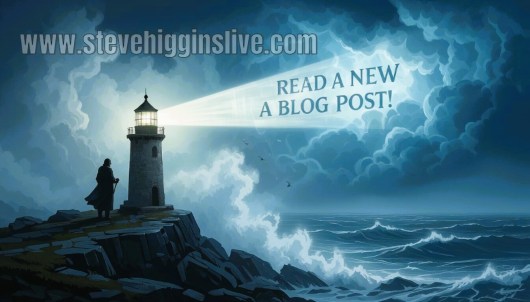
A lot of my posts over on Twitter are basically promotions for the blogs on this website. I try to produce an interesting image to pull in my readers and then add a message; things like Read A New Blog Post or something similar. Here is one of my first video clips made using AI.
I’ve always rather liked this image below, an inviting pub with the name on a sign: The Blog Post Inn.
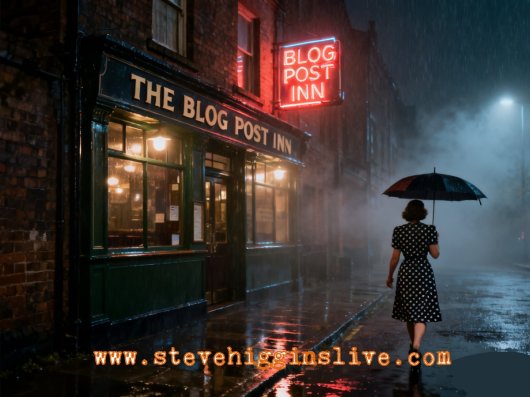
Here’s the same image made into a video over on meta.ai.
Many years ago as a schoolboy, one of my favourite doodles was to draw a frogman swimming underwater with a big flow of bubbles rising up to the surface. I was probably inspired by the TV in the 1960s, things like Voyage to the Bottom of the Sea in which Admiral Nelson and Captain Crane took us on all sorts of underwater adventures in their submarine, Seaview. Anyway, that was probably the source of some more videos involving a scuba diver finding an underwater carving which says -wait for it- Read a New Blog Post!
I always enjoyed both Voyage and another undersea TV show Stingray. Stingray was one of Gerry Anderson’s puppet shows. It was about the WASPs; the World Aquanaut Security Patrol and their amazing submarine Stingray commanded by Captain Troy Tempest. No doubt inspired by the scenes of Stingray and Seaview I decided, and this brings us back to AI, to make some submarine images. Here are a few below.
The really annoying thing about making AI images and videos is that they rarely come out how you want them. If they do, then they always seem to go wildly wrong when I try to tweak them. How do you make an AI image in the first place you might be asking. Well, simply from a text instruction, for instance:
A wide-angle view from low down; a moon rocket launches from Cape Kennedy. As the rocket blasts off in a cloud of smoke and steam, we see the words stamped vertically on the rocket: “NEW BLOG POST ” .
It’s always good to add in a few descriptive terms like hyper realistic as well as some camera terms like wide angle lens and so on.
In my video editor I’ve quite a few saved templates so it was easy to slot in the rocket video, add some sound effects from my trusty sound effects CD and here’s the finished video.
There are some pretty good AI generators out there that are completely free. Meta is the company that owns Facebook and you can use their app meta.ai to make free images and videos. I tend to start with an image from elsewhere, perhaps create something on Nightcafe and then upload it to meta and ask it to animate the image. I’ve had some good results and also some frustrating ones. I made an image of a woman wearing sunglasses with a neon sign saying ‘read a new blog post’ reflected in her specs. I asked meta to create a video from the image in which the girl ‘lifts up the specs, winks at the camera and replaces the specs’. Simple? No not really. In one version the woman took the specs off but then they disappeared. In another, they took themselves off and in a third they went up and down by themselves. Would she drop the specs slightly, wink and then put them back on? No. In the best result, the girl takes off the specs but seems to wink both eyes! Not exactly what I wanted.
Another site, perhaps more well known is Grok which you can find on the former Twitter site, X.
Another new dimension to AI is audio and on some AI sites you can get an audio model to read a short script. I tend to put various elements together, pictures, video and audio, edit them in the traditional way and add either sound effects or music. I particularly like an audio model I found of an American man with a deep baritone voice which I use on a lot of my promo videos or sometimes an American lady. On Grok, you can actually produce a video in which your video subjects can speak but they tend to rattle off the dialogue so quickly it isn’t natural, although after some experimentation you can add pauses in places but even so, it comes over as a little odd.
Here’s one in which I asked the AI model to say ‘wow’ and then matched up some audio of my American AI voice saying that same word.
Going back to that earlier idea of the girl with the glasses, I thought I’d try again without the wink. The girl was supposed to look over her specs, smile and put them back. In the resulting clip the girl did all that but seemed to be mouthing ‘Hi’. I went off to my audio program on Freepik and produced some new audio, fitted them together and this was the result.
Whether these little clips bring in any new readers I’m not sure. In fact, now I think about it, it might put readers off if they assume the entire site is AI produced, including the writing! Of course, that would save me toiling away over a hot laptap trying to think up new ideas for blog posts.
Even so, I have a lot of fun messing about with AI images and audio. I wonder if perhaps one day I could even make an entire film using AI generated visuals and audio. Things are happening so quickly in the world of AI I can image that happening in the very near future.

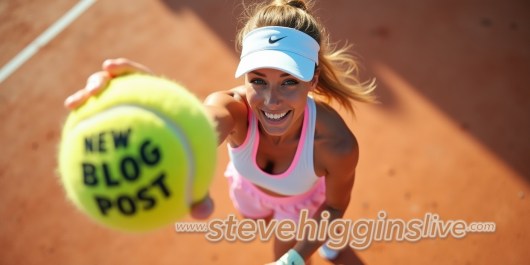 In the end I thought what about just using the ball without the tennis player? That turned out to be much easier.


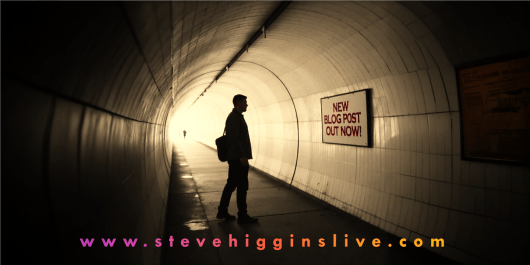 Many of these images I use in my promo videos which can be found in places like Facebook and X. Here’s a recent example.

 OK, let’s get started. The first thing to remember about blogs is that a big wall of text tends to put off readers so it’s a good idea to break up the text with a few pictures. What kind of pictures though? Well in the blog posts themselves I’ll use either my own photos or use an online stock photo site like


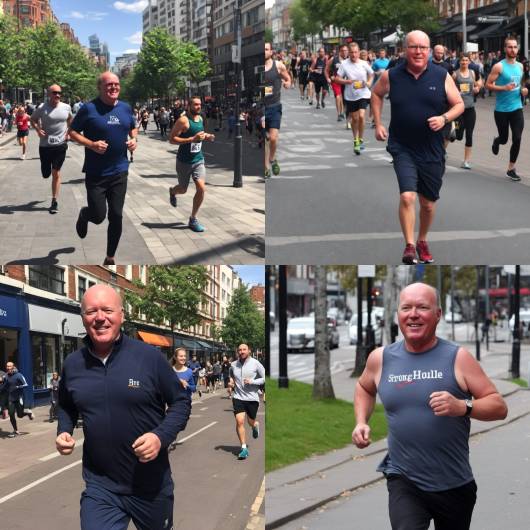
 trickier. First the user has to upload pictures of the person you want to make an AI model of, in this case me, then you add a prompt to describe the picture you want. On Nightcafe and many other AI sites too, you can upload a picture and develop it. On Freepik you can hit the reimagine button and a different version of your picture will appear.
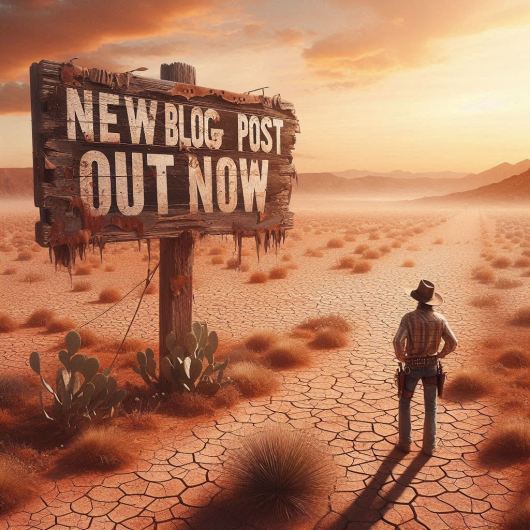
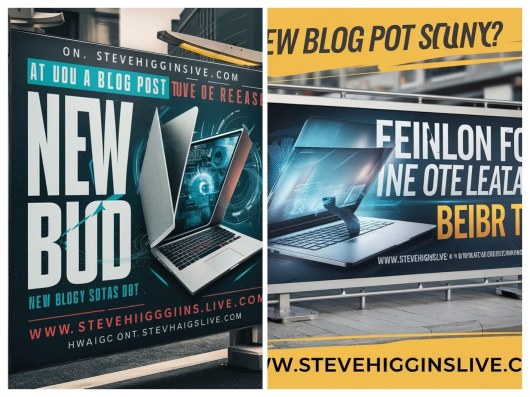 Both of the images above were supposed to say ‘New blog post out now!’ Oh well.
 OK, what AI image can I create now for my next social media post? What about an art gallery, perhaps seen from above? Light streams in dramatically from windows off to the side. It’s a wide angle shot, looking down. Art lovers are admiring a new poster advertising my blog. It should turn out something like this . .
 I create a graphic for my blogs every week using various image or graphic sites. The easiest one to use is probably Quotescover.com. It’s a very simple site that combines text and images or just text if you prefer. In Quotescover, you can very simply add your quote or in my case, blog title, add a name or the name of your website and click create. You can choose what type of image you want, for instance for a social media post, for Pinterest, or for a Facebook cover or whatever, then you have a choice of image shape; portrait, landscape or square. After that keep clicking ‘next fonts’ until you get the font that you like.


 Letters from an Unknown Author!