I’m pretty keen on social media, not for social media itself (although it is nice to see what my friends are up to) but as a platform to plug my work, my blog posts and my books and videos. In this post I’m going to look at the impact of graphics and images and the sites I use to create them. All the links open up in a new page.
 OK, let’s get started. The first thing to remember about blogs is that a big wall of text tends to put off readers so it’s a good idea to break up the text with a few pictures. What kind of pictures though? Well in the blog posts themselves I’ll use either my own photos or use an online stock photo site like Unsplash. I’ll also try and render the blog title into a graphic which I’ll also use on Facebook and X (formerly known as Twitter) to promote the post. The easiest way to do that is to use a site like Quotescover where I can just type in the post title and either my name or the name of my website.
The graphic to the right was made on Quotescover.
A site I used to use was Picmonkey which a few years ago was completely free. These days it’s only available to paid users except for the app version which you can use on your phone or, like me, on my iPad. A lot of the features are unavailable to free users though and I use Picmonkey primarily to add text to a photo relevant to my post.
I’ve always liked this picture which I used on a post about my favourite music, The Soundtrack to My Life.

Another site for making graphics or pins for Pinterest is this one, Quozio. Again it’s simple and free to use, just type in a title and your name and choose a template. If you are making a quotation graphic for social media, just add the quotation and whoever said it instead. This one was a simple graphic with a clock.

When Picmonkey declined to let me make free images I had to look elsewhere to make my graphics. One site I began to use was Canva.com. I initially thought Canva was a little complicated but once I got used to it I began to make some good graphics.
Canva has a number of templates which can be personalised and a regular one I use is one for a YouTube thumbnail. What is that you might ask? Well it’s the image you see when you scroll through YouTube looking for an interesting video. A bad thumbnail can turn a viewer off watching the video and good one can pull in a new watcher.
Here are a couple of my YouTube thumbnails. My poetry videos all have a similar thumbnail, just for continuity. Click the image below to watch the video on YouTube.

This one is pretty self explanatory and takes you to my welcome video on YouTube.
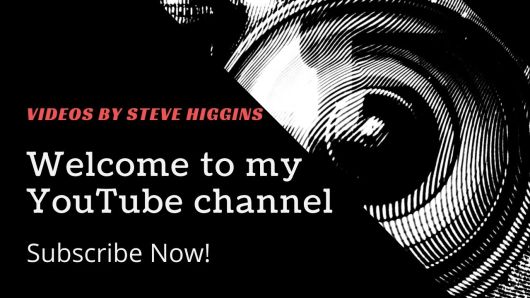
Another site I’ve started to use is Adobe Express. It’s similar to Canva and again has various templates that the user can adapt and modify. A graphic I made on Adobe was from a template which I personalised. The picture of me came from Nightcafe, an AI imaging site. How does that work? Well, it creates images from a prompt, so you just describe the image you want to see in words and artificial intelligence does the rest.
How did I get a picture of myself? This is a little  trickier. First the user has to upload pictures of the person you want to make an AI model of, in this case me, then you add a prompt to describe the picture you want. On Nightcafe and many other AI sites too, you can upload a picture and develop it. On Freepik you can hit the reimagine button and a different version of your picture will appear.
Sometimes I will make a picture or graphic and send it to another site to see if I can come up with a different or better version.
To make a graphic that I use on X, I added the picture of me to a graphic I had used before and removed the background. Using the animation feature I got the picture to jump into the frame and then jump out again after the text had slid in.
On my laptap I took the animation and added some sound using sound effects downloaded from Zapsplat, a site that provides music and effects for video. Here’s the resulting video.
A lot of the images I’ve created on AI are ones used to plug my blog post over on sites like Facebook and X, graphics that all say something like, ‘New Blog Post Out Now!’
This is one for a post about the Apollo 11 moon landing.

This is for a post about the western genre.
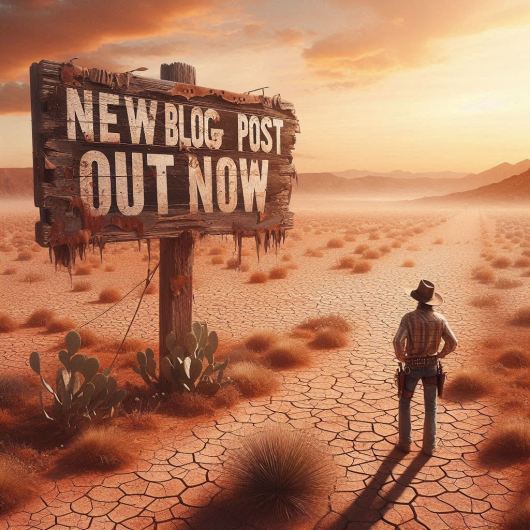
I use three main AI sites, Nightcafe, Freepik and Microsoft Designer. All three sites operate a sort of credit system whereby the user gets so many tokens to create images but after you have used your tokens, that’s it, unless you want to subscribe and pay for more. On Nightcafe, the user gets 5 tokens per day with extra tokens for various things; voting on other users creations, voting on competitions and so on. On Freepik, I’m not quite sure how things work. I’ll sign in and see I have 20 free credits, that’s one credit per picture. Even if I’ve used up my credits I can turn to the ‘reimagine’ page and produce alternative images where I usually have about 5 credits. The next time I visit, sometimes I’ll have another 20 credits, sometimes not, even so, I’ve produced some good images there.
On Microsoft Designer, you can create an image and then use it in a blog graphic or social media post where you can add text and all sorts of stuff.
To create an image you need a prompt. Here’s one I used for an image of a street poster:
A vibrant and eye-catching roadside advertising banner, announcing the release of a “new blog post “ on “www.stevehigginslive.com” The banner features a bold, modern font, with a creative design of a laptop opening up to reveal a digital world. The background is a busy city street, reflecting the urban environment where the blog post was written.
See if you can recognise the result of that prompt further down but one thing to remember is that AI images don’t always turn out the way you want them, especially when using text within the image. Here are a couple that look good but the text didn’t quite work out right.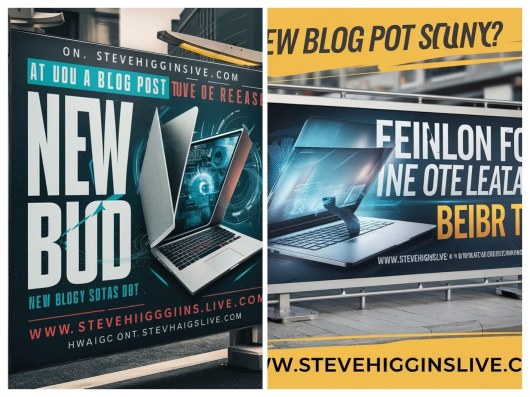 Both of the images above were supposed to say ‘New blog post out now!’ Oh well.
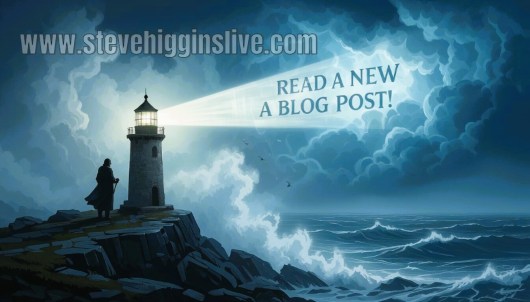
On Nightcafe there is now the option to make an image into a short 4 second video. Here’s one of my favourite promo pictures rendered into a gif, an animated image. The web address was added later on Picmonkey. The image prompt went like this:
Floating in a raging sea during a storm with rain hammering down, we see a bottle on its side with a message inside. The message is visible and says “New blog post out now!” Professional photography, shot on dslr 64 megapixels sharp focus 8k resolution

To finish off, here are a few of my latest graphics, all of which are out there on X in yet another attempt to liven up my posts and to bring in more readers.
 OK, what AI image can I create now for my next social media post? What about an art gallery, perhaps seen from above? Light streams in dramatically from windows off to the side. It’s a wide angle shot, looking down. Art lovers are admiring a new poster advertising my blog. It should turn out something like this . .

What to do next: Here are a few options.
Share this post on your favourite social media!
Hit the Subscribe button. Never miss another post!
Buy the book! Click here to purchase my new poetry collection.
Click here to visit Amazon and download Floating in Space to your Kindle or order the paperback version.
Click here to visit amazon and purchase Timeline, my new anthology.

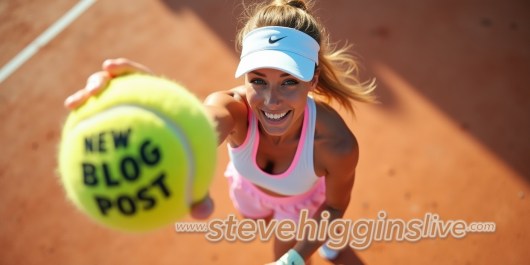 In the end I thought what about just using the ball without the tennis player? That turned out to be much easier.


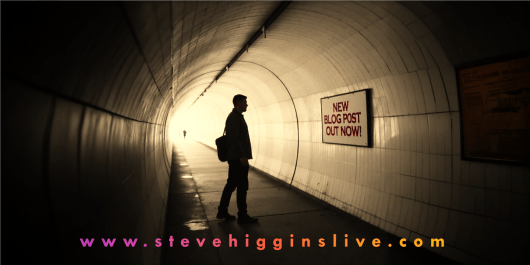 Many of these images I use in my promo videos which can be found in places like Facebook and X. Here’s a recent example.

 Letters from an Unknown Author!